Website redesign checklist: what to fix, what to keep and how not to lose your Google traffic
A redesign can raise enquiries or quietly wipe out your search traffic. This checklist covers what to audit first, what to keep, and how to launch without losing rankings.

To redesign a website without losing Google traffic, record what currently earns visits and enquiries, keep URLs and content that perform, redirect every changed address with a permanent redirect, and check the new site for speed, mobile use and indexing before and after launch.
Most redesigns are triggered by how a site looks. The risk is that visual changes come with structural ones: new URLs, shorter pages, deleted content. Search engines notice those changes, and a prettier website can end up with fewer visitors. A checklist keeps the redesign focused on business results.
Step 1: Decide why you are redesigning
Write down one or two measurable goals, such as more quote requests, better mobile experience or faster pages. “Looks old” is a valid reason but a weak brief. Goals decide what to keep and what to change.
Step 2: Record what works today
Before touching anything, collect:
- A list of every URL on the current site, including blog posts and service pages
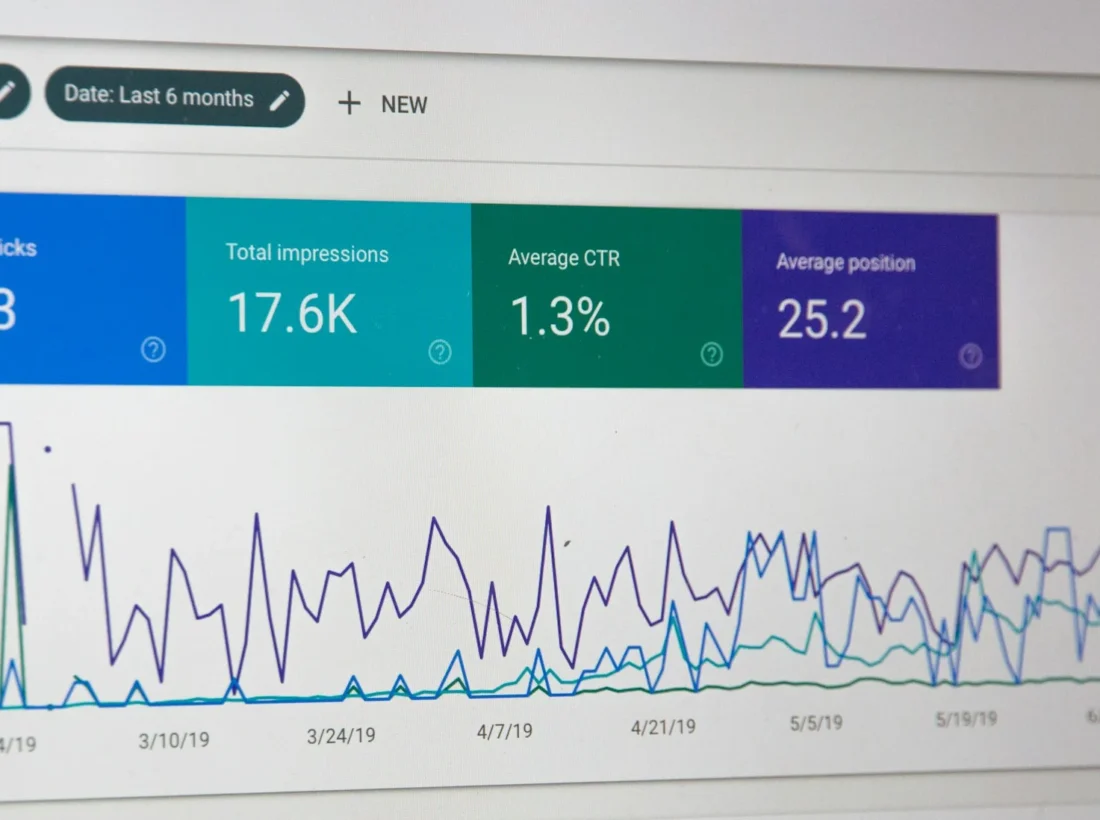
- Which pages bring organic visits and enquiries, from your analytics and Google Search Console if you have them
- Your current page titles and meta descriptions
- Pages that other websites link to
- Forms, phone numbers and WhatsApp buttons, and how many enquiries each produces
This inventory is your safety net. Without it you cannot tell afterwards what was lost.
Step 3: Decide keep, improve, merge or remove
| Decision | Use when | URL action |
|---|---|---|
| Keep | The page ranks or converts | Keep the same URL and the key content |
| Improve | Useful topic, thin or outdated content | Keep the URL, rewrite and expand |
| Merge | Several weak pages cover the same topic | Redirect old URLs to the merged page |
| Remove | Outdated, irrelevant, no traffic | Redirect to the closest relevant page, or return a clear not-found |
Do not change URLs unless you must. A new design on the same addresses carries almost no ranking risk. Every changed URL adds a point where something can go wrong.
Step 4: Plan the structure around your services
Give each main service its own page with a clear title, a plain explanation, relevant examples, answers to common questions and a visible way to enquire. Link related pages together so both visitors and search engines can see how the site fits together. Keep navigation short and use the words customers actually search with.
Step 5: Build for mobile, speed and accessibility
Most visitors to a local business site arrive on a phone. Check the following on a real device:
- Text is readable without zooming and buttons are easy to tap
- Pages load quickly, with compressed images and no unnecessary scripts
- Layout does not jump while loading
- Contrast, headings and alternative text for images follow accessibility good practice
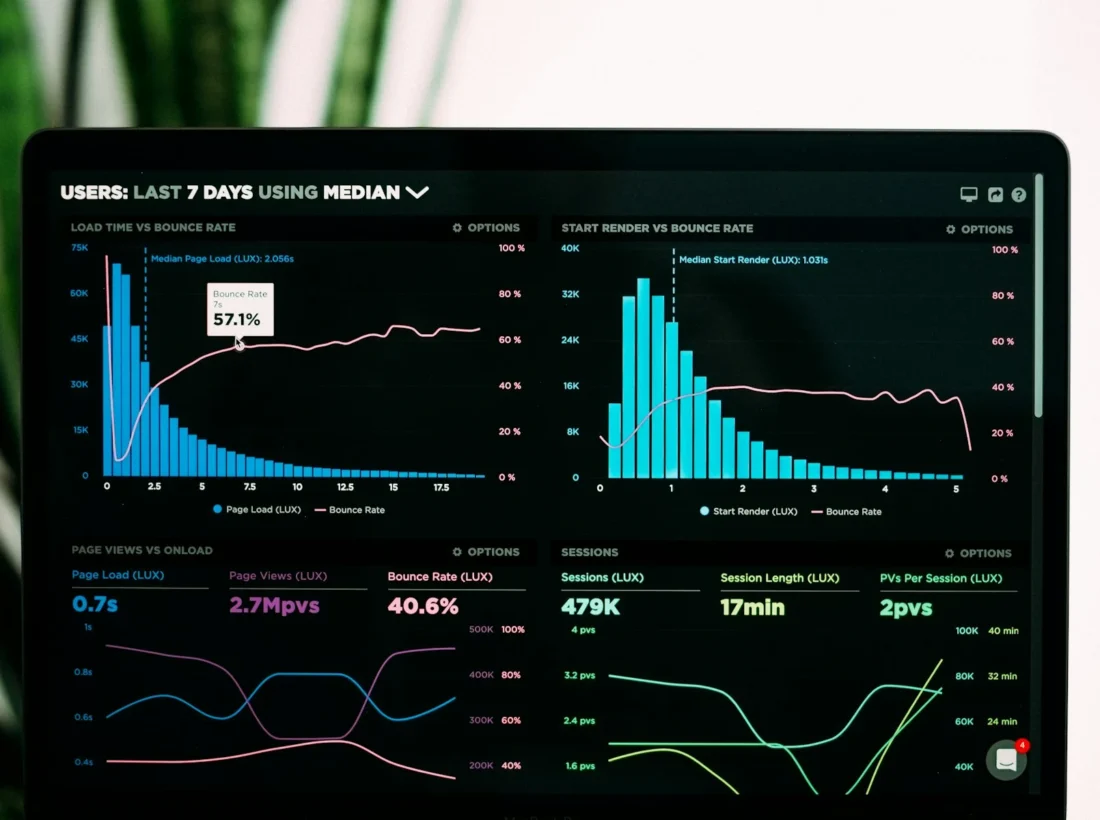
Google’s Core Web Vitals describe loading, interactivity and visual stability, and are a useful checklist for performance.
We design and build websites with the SEO structure, redirects and mobile checks planned from the first week, not added after launch.
Step 6: Prepare redirects and test on a staging copy
Build and test the new site on a private staging copy. Create a redirect map from every old URL to its new equivalent, using permanent redirects. Check that titles, descriptions, headings, canonical tags and structured data carried over, and that the staging site is not indexable until launch.
Step 7: Launch and monitor
- Launch at a quiet time, with a recent backup ready.
- Test key pages, forms, phone and WhatsApp buttons immediately.
- Submit the sitemap in Google Search Console and check the redirects.
- Watch indexing, errors and traffic for the next four to eight weeks.
- Fix broken links and crawl errors as they appear.
Short-term movement in rankings after a major change is normal, so judge the result over weeks rather than days.
Pre-launch checklist
- Goals written and measurable
- Old URL list and performance recorded
- Keep, improve, merge or remove decided for every page
- Redirect map complete and tested
- Titles, descriptions and headings reviewed
- Mobile and speed checked on real devices
- Forms and click-to-call tested
- Staging not indexable, live site indexable
Questions and answers
Will a website redesign hurt my Google rankings?
It can if URLs change without redirects or content is removed. Keeping URLs and content that perform, and redirecting every changed address, greatly reduces the risk.
What should I record before redesigning a website?
List every URL, the pages that bring visits and enquiries, current titles and descriptions, and your forms and click-to-call buttons, so you can compare results after launch.
How long should I monitor a site after redesign?
Watch indexing, errors and traffic for four to eight weeks, fixing broken links and crawl errors as they appear.

A design studio in Pune, Maharashtra making logos, brand identities, packaging, websites and campaigns for companies that sell real products and services.