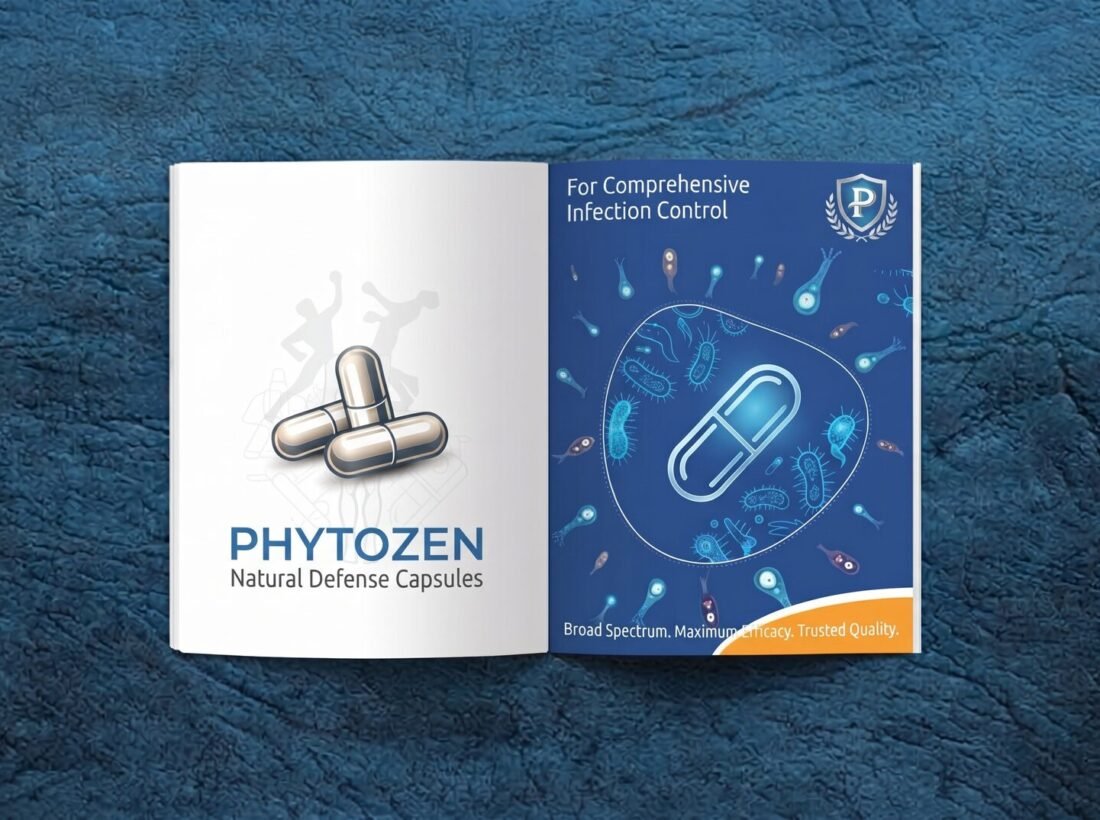
Brochure design guide: size, pages, content flow and print tips
A practical brochure design guide: choose the format and size, plan pages and content flow, write for readers and prepare files for the printer.
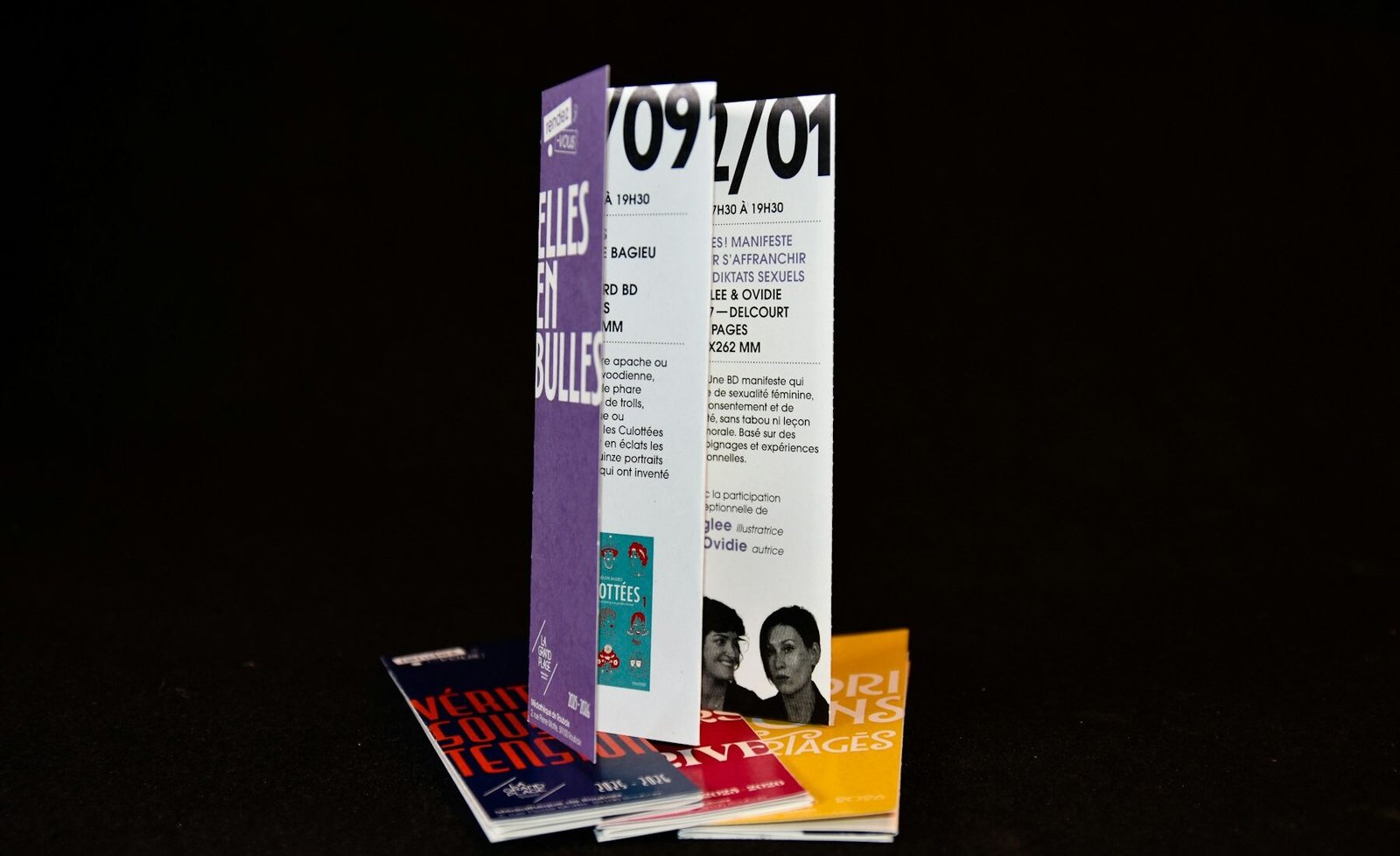
Plan a brochure by choosing the format and size first, then structuring the content as a simple story: who you are, what you offer, why customers choose you and how to contact you. Use clear headings and strong images, and send the printer a print-ready PDF with the right size, bleed and colour mode.
A brochure is often the first printed thing a customer holds from your business. A well planned one explains your work in a minute and gives people a reason to call. This guide covers format, structure, writing and print preparation.
1. Choose the format and size
| Format | Good for |
|---|---|
| Tri-fold (A4 folded in three) | Short company introduction, handed out at events or visits |
| Bi-fold (A4 or A5 folded in two) | A simple product or service overview with a little more detail |
| Booklet (stapled or bound) | Product ranges, detailed company profiles, catalogues |
Decide how the brochure will be used before you decide the size: handed over by a sales team, posted, or placed at a reception. A smaller format is easier to carry, a larger one gives more room for images.
2. Plan the content flow
- Cover: your logo and one clear line about what you do.
- About you: a short introduction and what makes you different.
- What you offer: services or products, grouped and easy to scan.
- Proof: clients, certifications or results that you are allowed to share.
- Next step: phone, WhatsApp, email, website and address if relevant.
Write the headline of each panel first. If the headlines alone tell the story, the brochure will be easy to skim, which is how most people read it.
3. Write and design for readers
- Use short paragraphs, clear headings and bullet points for lists.
- Keep body text at a size that is comfortable to read in print.
- Use real photos of your work or team where possible instead of generic images.
- Keep fonts and colours aligned with your brand. See how to choose brand colours and fonts.
We design brochures, catalogues and other print material in Pune and prepare print-ready files for your printer. Share your content and audience on WhatsApp and we will suggest a format and structure.
4. Prepare the file for print
- Set the exact size, including the fold lines, as the printer specifies.
- Add bleed and keep important text inside the safe margin.
- Use the colour mode your printer asks for and check images are high resolution.
- Embed or outline fonts, and export a print-ready PDF.
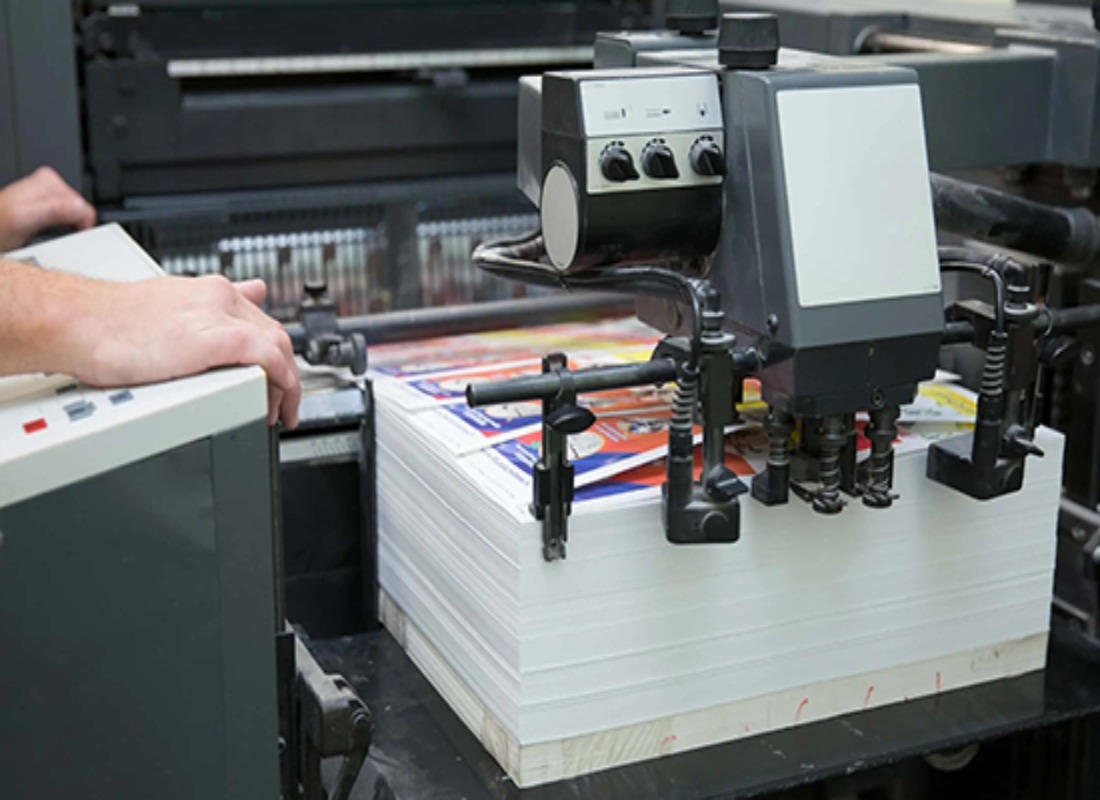
The full list is in our print-ready artwork checklist. Before the press run, always check a proof, as explained in the packaging review checklist.
Common mistakes
Too much text
A brochure is not a manual. Keep only what helps a reader decide to contact you.
Low-quality images
Pictures that look fine on screen may print blurry. Use high-resolution files.
No clear next step
Always end with how to reach you and what to do next.
Content changes after layout
Finalise and approve text before design to avoid extra rounds and reprint costs.
Packaging design · Pharma design and printing · Print, signage and visual aids · Contact us for a quote
Questions and answers
What size should a brochure be?
Common formats are A4 folded into a tri-fold, A4 or A5 bi-fold, and A5 booklets. Choose by how much content you have and how it will be handed out or posted.
How many pages should a brochure have?
As many as your story needs and no more. A single folded sheet suits a short introduction, while a booklet suits a product range or detailed company profile.
What should a company brochure include?
Who you are, what you offer, why customers choose you, proof such as clients or results you can share, and clear contact details with a next step.
What files does a printer need for a brochure?
A print-ready PDF with the correct size, bleed, colour mode and embedded or outlined fonts. Confirm exact requirements with your printer.

A design studio in Pune, Maharashtra making logos, brand identities, packaging, websites and campaigns for companies that sell real products and services.