Website speed: what slows a website down and how to fix it
The most common reasons a website loads slowly, how to measure speed with PageSpeed Insights and a practical order in which to fix them.
Websites usually slow down because of large images, too many plugins or scripts, a heavy theme, no caching and slow hosting. Measure first with Google PageSpeed Insights, then fix the biggest items: compress images, remove unused plugins, enable caching and load third-party scripts later.
A slow website loses visitors before they read a word. Speed also affects how easily people use your site and is part of Google’s page experience signals. This guide explains what to measure and what to fix first.
1. Measure before you change anything
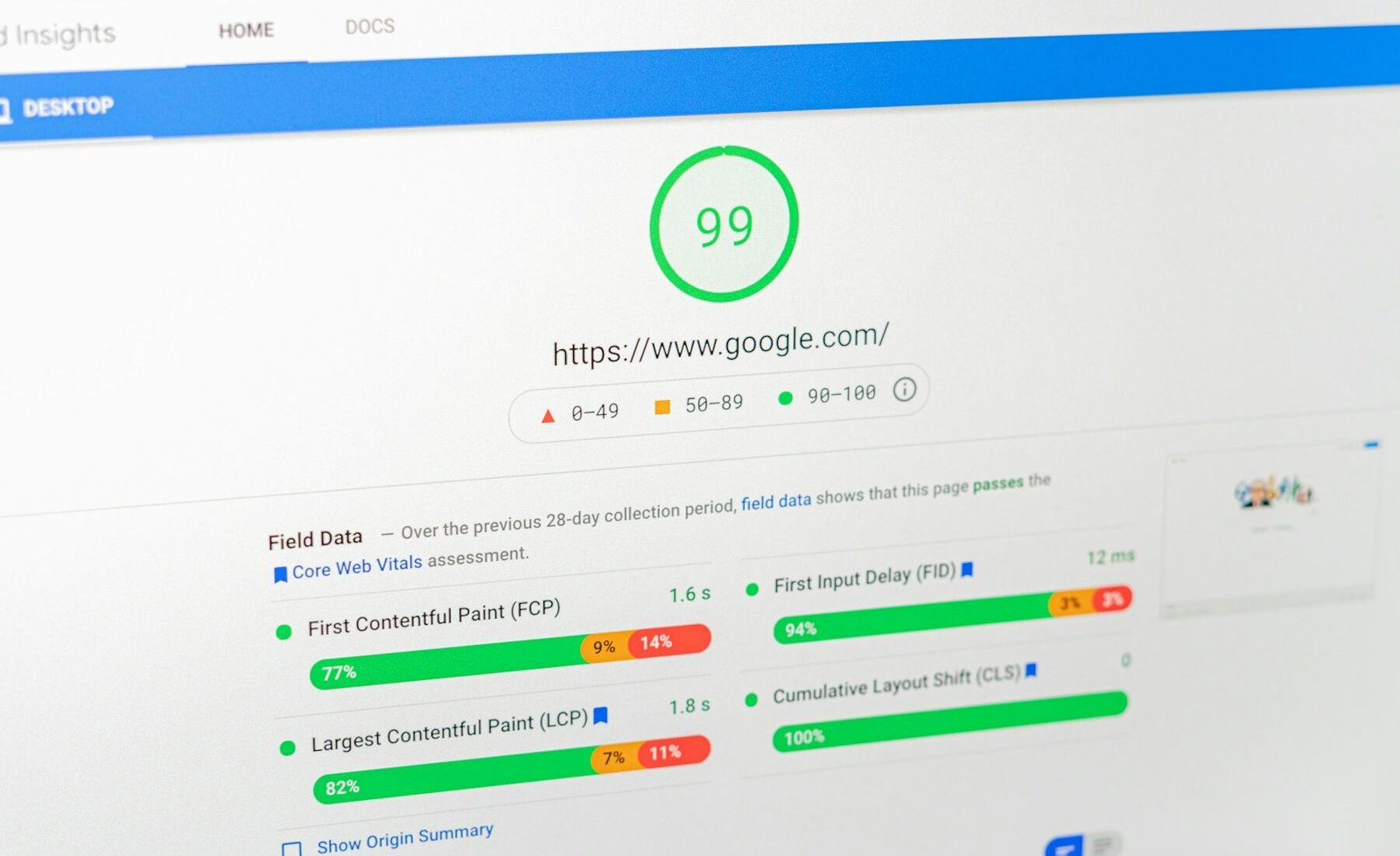
Open Google PageSpeed Insights, paste your page address and test both mobile and desktop. Look at three numbers:
| Metric | What it shows | Good target |
|---|---|---|
| LCP (largest contentful paint) | How fast the main content appears | Under 2.5 seconds |
| CLS (cumulative layout shift) | How much the page jumps while loading | Under 0.1 |
| INP (interaction to next paint) | How quickly the page responds to taps and clicks | Under 200 ms |
Test your most important pages, not just the home page. Run the test more than once because results vary slightly.
2. The usual causes of a slow site
- Large images: photos straight from a camera or phone can be several MB each.
- Too many plugins: each plugin can add scripts and styles to every page.
- Heavy theme or page builder layout: many nested sections and animations slow rendering, especially on phones.
- No caching: the server rebuilds each page for every visitor.
- Third-party scripts: chat widgets, trackers, maps and fonts add extra requests.
- Slow hosting: a weak server limits everything else you do.
Fix mobile first. Most visitors come on phones, and mobile tests are stricter because of slower networks and processors.
3. Fix in this order
- Compress and resize images. Use modern formats such as WebP and make images no larger than the space they fill.
- Turn on caching with a page cache plugin or your host’s cache.
- Remove plugins you do not use and replace heavy ones with lighter options.
- Delay non-essential scripts such as chat or tracking until after the page is usable.
- Limit fonts to the families and weights you really use.
- Check hosting if the server itself responds slowly.
We build fast WordPress websites in Pune and tune existing sites for speed and mobile performance. Share your website link on WhatsApp and we will tell you what is slowing it down.
4. Speed and SEO work together
A fast, well structured site is easier for people and search engines to use. If you are planning a rebuild, read our website redesign checklist so you do not lose traffic. To understand what drives price and quality, see what decides website design cost in Pune.
Common mistakes
Chasing a perfect score
A score of 100 is not the goal. A site that feels fast and loads the main content quickly is what matters.
Installing a speed plugin and stopping
Plugins help, but oversized images and heavy layouts still need fixing at the source.
Ignoring mobile
A site that looks fine on a laptop can be slow on a phone. Always test both.
Adding every tool and widget
Each script has a cost. Keep only what supports your goals.
Website design and development · SEO services · Contact us for a quote
Questions and answers
Why is my website slow?
Common reasons are large images, too many plugins or scripts, a heavy theme, no caching and slow hosting. A PageSpeed Insights test shows which apply to you.
What is a good website loading time?
Aim for the main content to appear in under 2.5 seconds (LCP), with little layout shift and quick responses to taps.
Does website speed affect SEO?
Speed is part of Google's page experience signals and strongly affects how people use your site, so a fast site helps overall performance.
How do I test my website speed?
Use Google PageSpeed Insights. Test mobile and desktop and check your most important pages, not only the home page.

A design studio in Pune, Maharashtra making logos, brand identities, packaging, websites and campaigns for companies that sell real products and services.