WordPress website security for small business: a simple checklist to stay safe
Short answer To keep a WordPress website safe: use a strong unique password and two-factor login for every admin, keep WordPress, themes and plugins updated, remove plugins you do not use, install only trusted plugins, take regular backups, add a firewall and login limits, and check your site now and then for unknown users, plugins […]
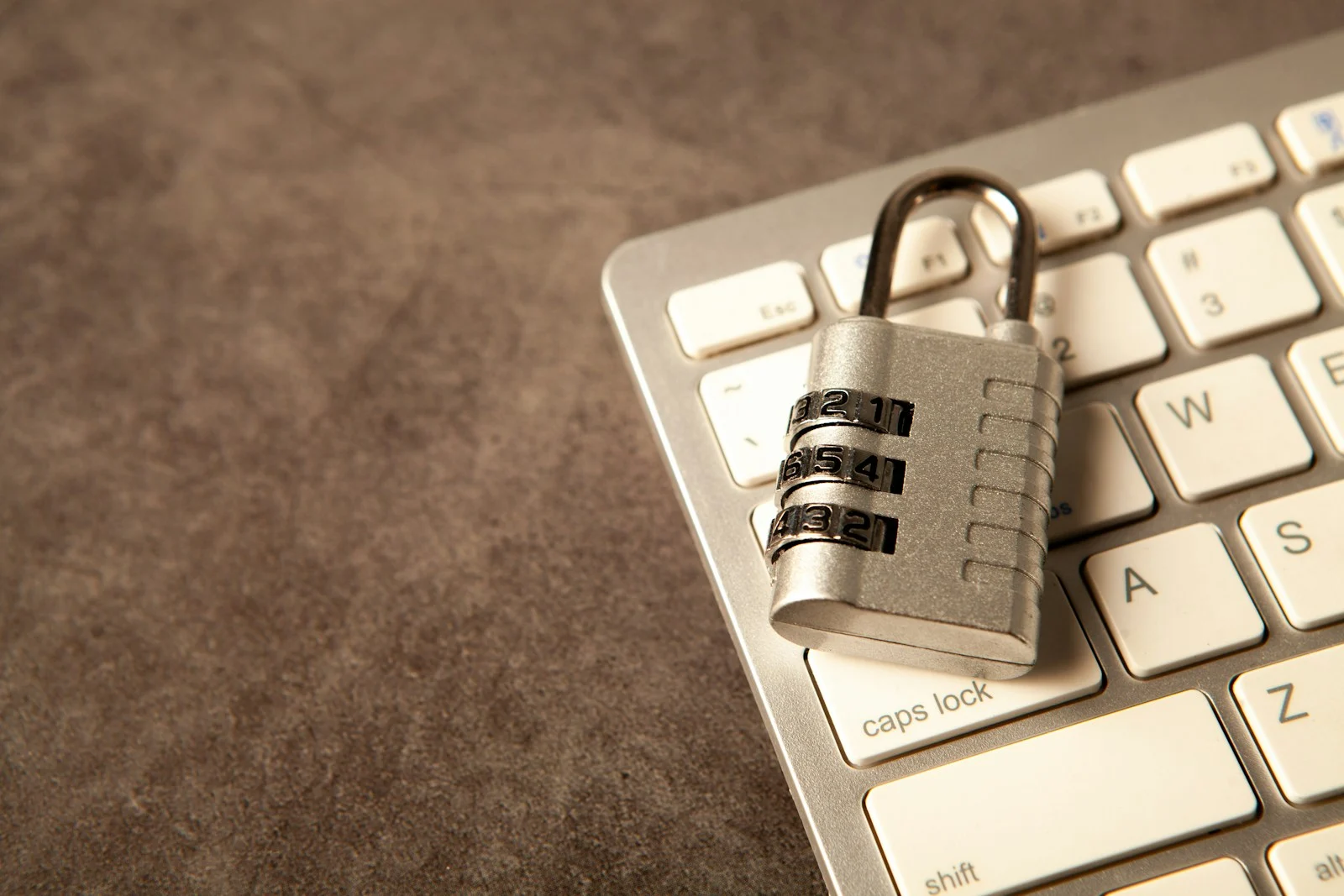
To keep a WordPress website safe: use a strong unique password and two-factor login for every admin, keep WordPress, themes and plugins updated, remove plugins you do not use, install only trusted plugins, take regular backups, add a firewall and login limits, and check your site now and then for unknown users, plugins or redirects.
Most small business websites are not hacked by someone targeting them personally. They are hit by automated attacks that look for weak passwords, old plugins and stolen logins. The good news is that a few habits stop most of it.
1. Protect every login
- Use a long, unique password for WordPress, your hosting account and your email. Do not reuse passwords.
- Turn on two-factor authentication for WordPress admins and for your hosting account.
- Do not share one admin login between people. Create separate users with the lowest role they need.
- Delete users who no longer work with you.
Most real hacks start with a stolen or guessed login, not with a clever technical trick. Once an attacker is logged in as admin, they can install a plugin and hide code inside it. Two-factor login stops that even if your password leaks.
2. Keep everything updated
Updates fix known security holes. Update WordPress, your theme and plugins regularly, and test important pages afterwards. If a plugin is no longer updated by its developer, replace it.
3. Use fewer, better plugins
Every plugin is extra code that can have a weakness. Install plugins only from the official WordPress directory or a trusted developer, and delete the ones you do not use. Inactive plugins can still be a risk if they stay on the server.
4. Add a firewall and login limits
A security plugin can block known bad requests, limit repeated wrong password attempts and lock out suspicious visitors. Turn on its basic rules, then check that your own login still works.
5. Take backups you can restore
| Backup point | Why it matters |
|---|---|
| Files and database | You need both to restore a full site |
| Stored off the server | A backup on the hacked server can be damaged too |
| Regular schedule | Weekly for most sites, daily if you post or sell often |
| Restore test | A backup you never tested may not work |
We build and look after WordPress websites for businesses in Pune, including security hardening, backups and regular checks. Message us on WhatsApp if your site redirects, shows strange pages or has been flagged.
6. Know the warning signs
- Visitors are sent to another website or a strange download page.
- Unknown admin users, plugins or code snippets appear.
- Your site is suddenly slow or Google shows a warning.
- Your hosting provider sends a malware or suspicious activity notice.
If you see any of these, change your passwords, log everyone out, remove unknown plugins and users and restore a clean backup or ask a professional to clean the site. Fast action limits the damage.
7. Security and your website plan
Security works best when it is part of how the site is built and maintained, not something added after a problem. Read our guide on what slows a website down and the website redesign checklist for related maintenance steps.
Common mistakes
Using the same password everywhere
One leaked password can open your site, hosting and email together.
Leaving old plugins installed
Unused or outdated plugins are one of the easiest ways in for attackers.
Having no backup
Without a clean backup, cleaning a hacked site takes much longer.
Ignoring a small redirect
A redirect that only some visitors see is still a hack. Check your site from a phone and a private window.
Website design and development · SEO services · Contact us for a quote
Questions and answers
How do I know if my WordPress site is hacked?
Common signs are redirects to other sites, unknown admin users or plugins, a sudden slowdown, strange pages in Google or a warning from your hosting provider.
Do small business websites get hacked?
Yes. Most attacks are automated and target weak passwords and outdated plugins, regardless of the size of the business.
What is the most important security step?
Strong unique passwords with two-factor login for admins, plus keeping WordPress and plugins updated.
How often should I back up my website?
Weekly is enough for many sites, and daily if you publish or sell often. Store backups away from the server and test a restore.

A design studio in Pune, Maharashtra making logos, brand identities, packaging, websites and campaigns for companies that sell real products and services.